iPhone · Apple Watch
Your round,
hole by hole.
Record every round, place every shot, keep the handicap up to date. That part is free and needs no subscription.
Scorecard
Bayerwald · Gelb
CR 71,4 / 130
| Hole | 1 | 2 | 3 | 4 | 5 | 6 | 7 | 8 | 9 | Out |
|---|---|---|---|---|---|---|---|---|---|---|
| Par | 4 | 3 | 5 | 4 | 4 | 3 | 5 | 4 | 4 | 36 |
| Me | 4 | 2 | 6 | 4 | 5 | 3 | 5 | 3 | 4 | 36 |
02 — A round
How a round runs
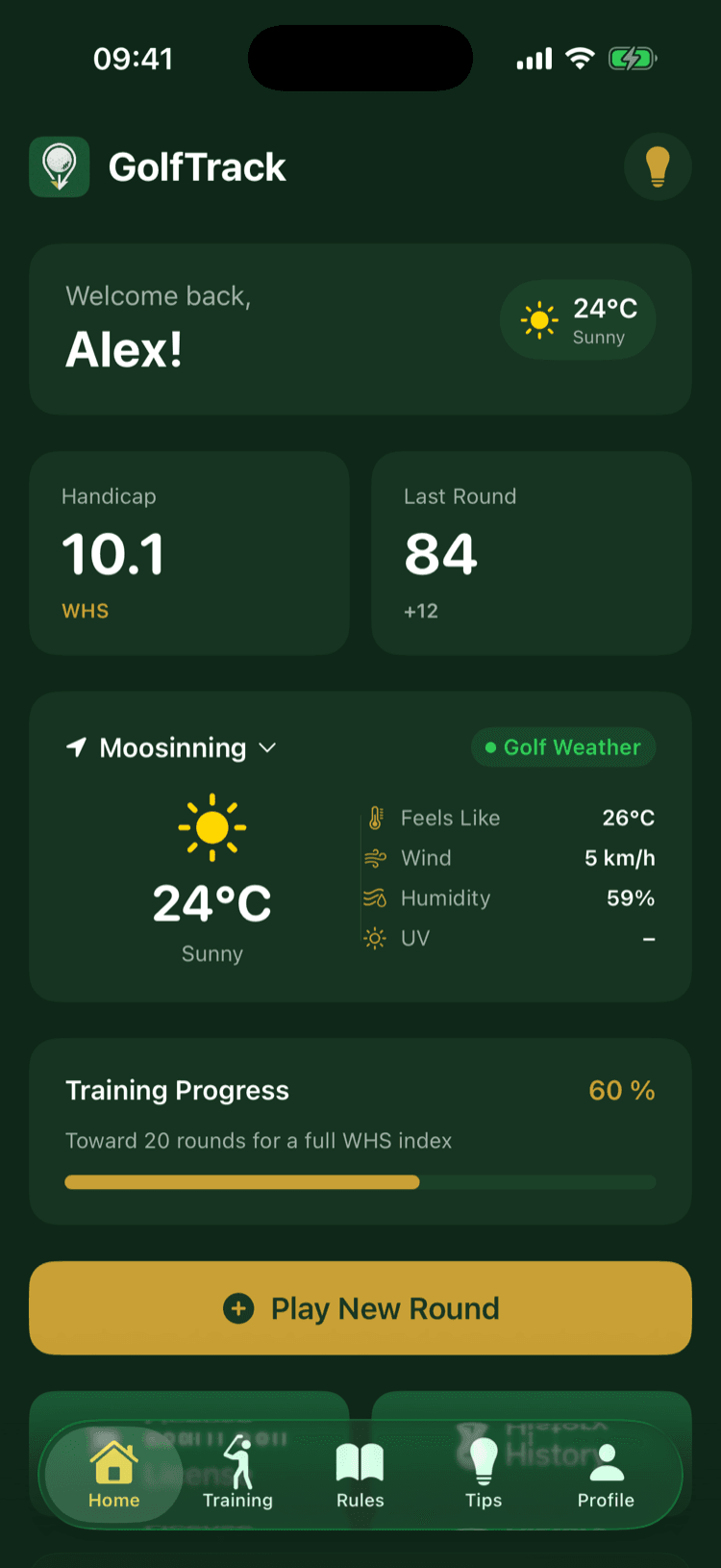
From setting it up to the finished card it is four screens; the pictures below come from the app itself.
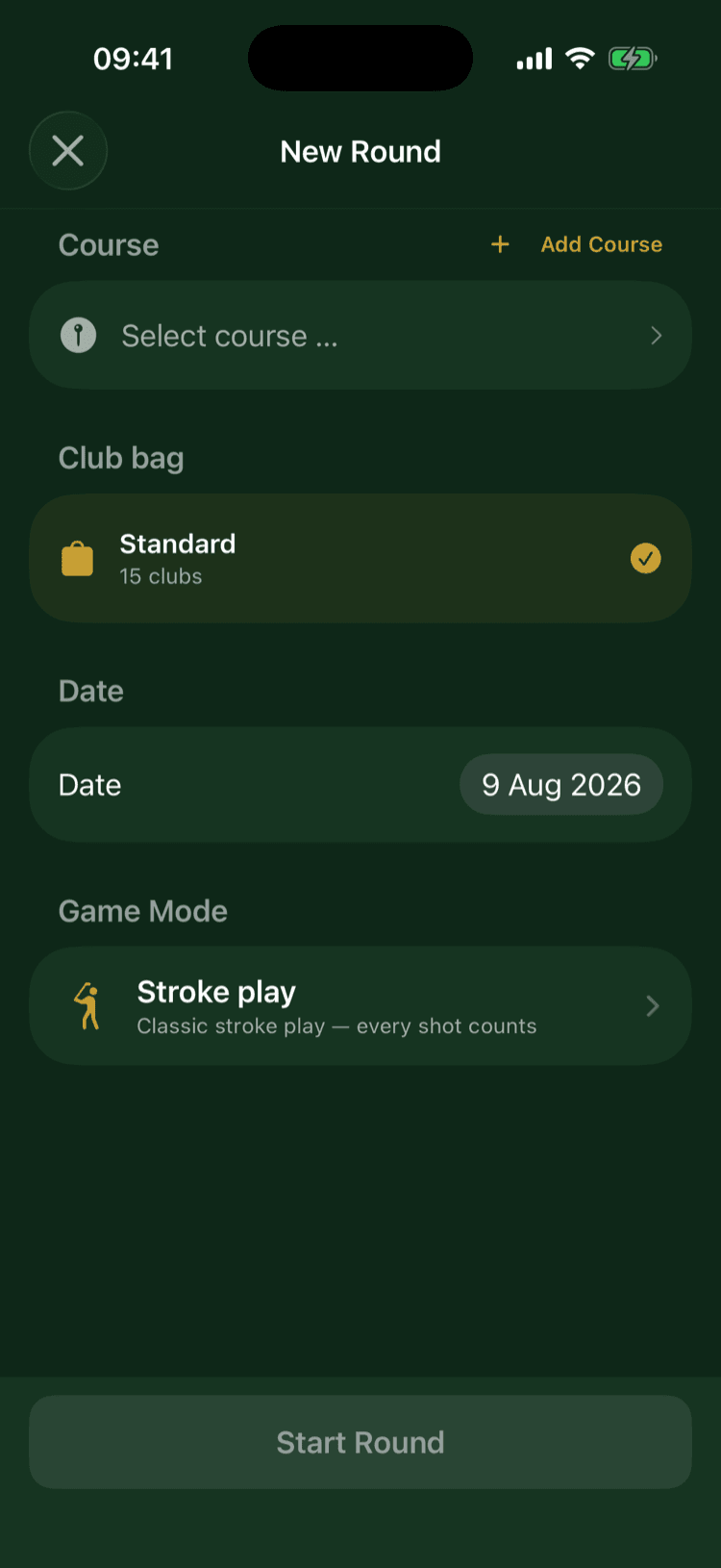
01
Set up
Course, bag, date, format. You pick the course by distance, the clubs come from your bag.
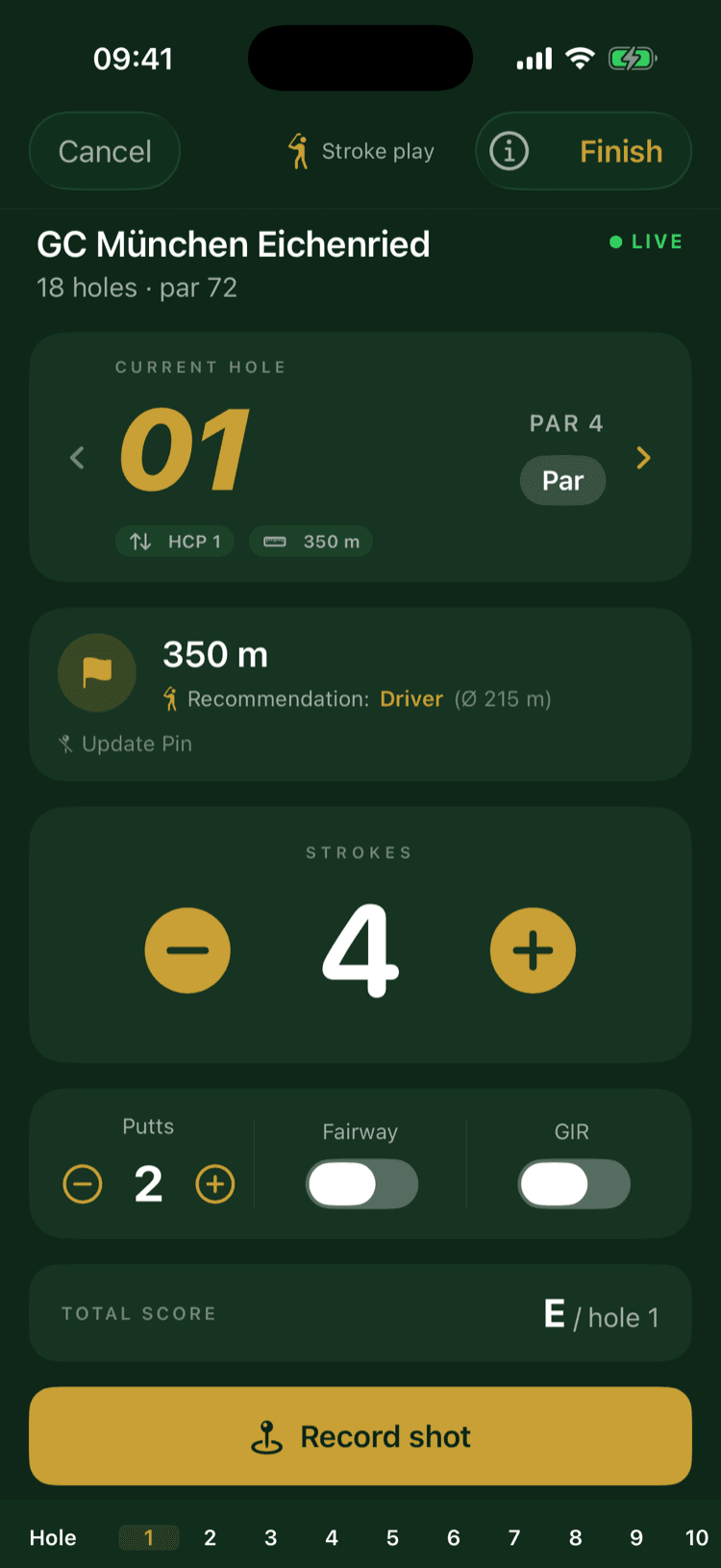
02
Hole by hole
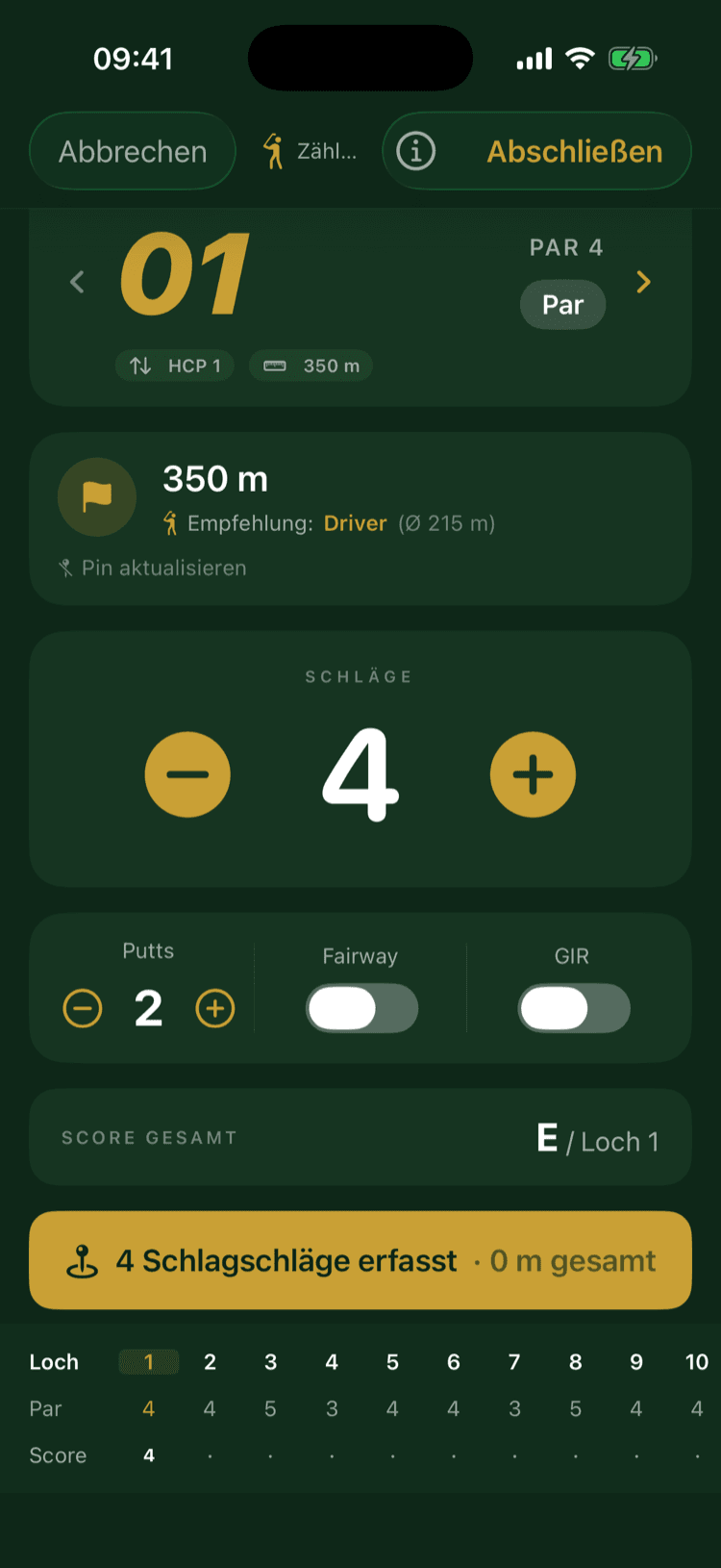
Distance to the pin, a club suggestion drawn from your measured distances, strokes on two buttons. Putts, fairway and green sit on the same screen.
03
Where you stand
The scorecard runs along the bottom, so your score against par is there without changing screens.
04
Afterwards
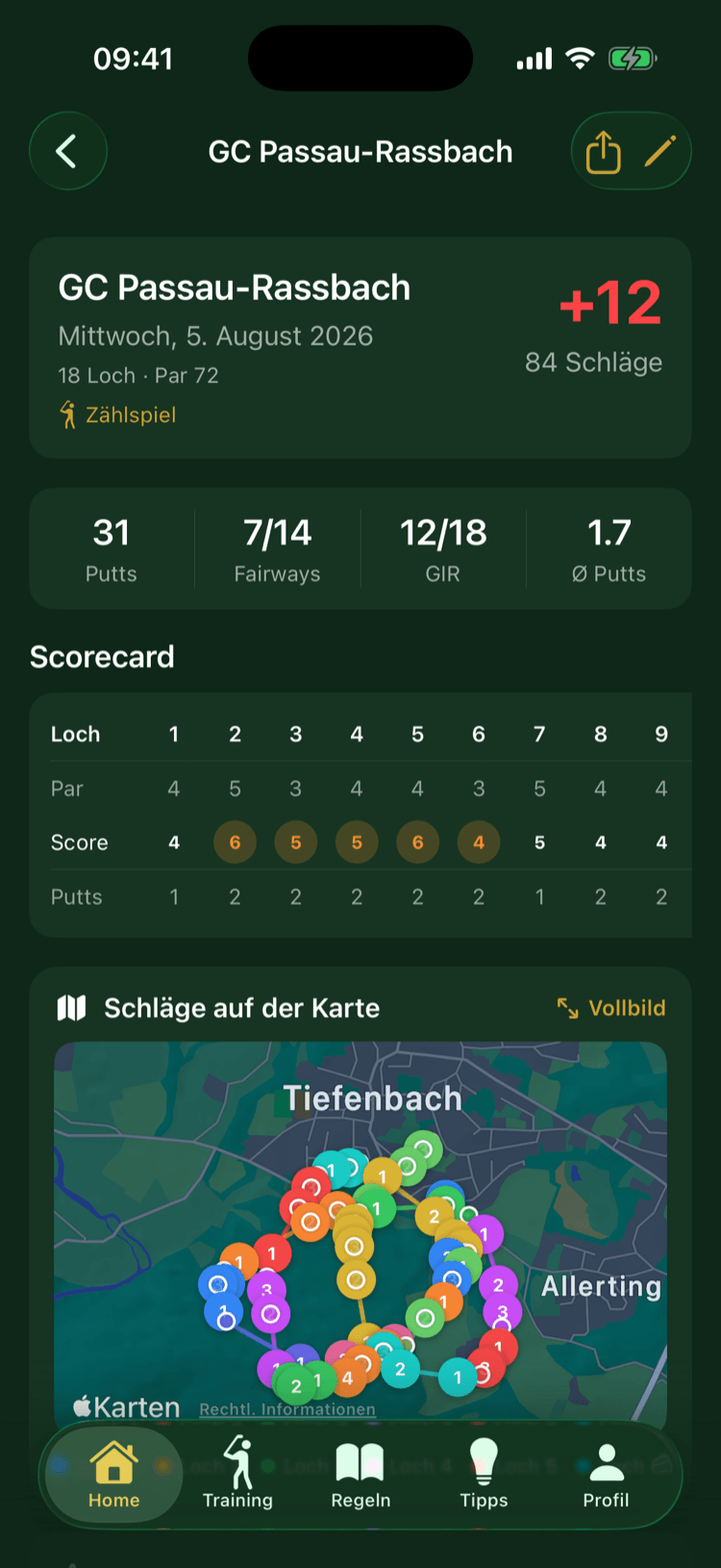
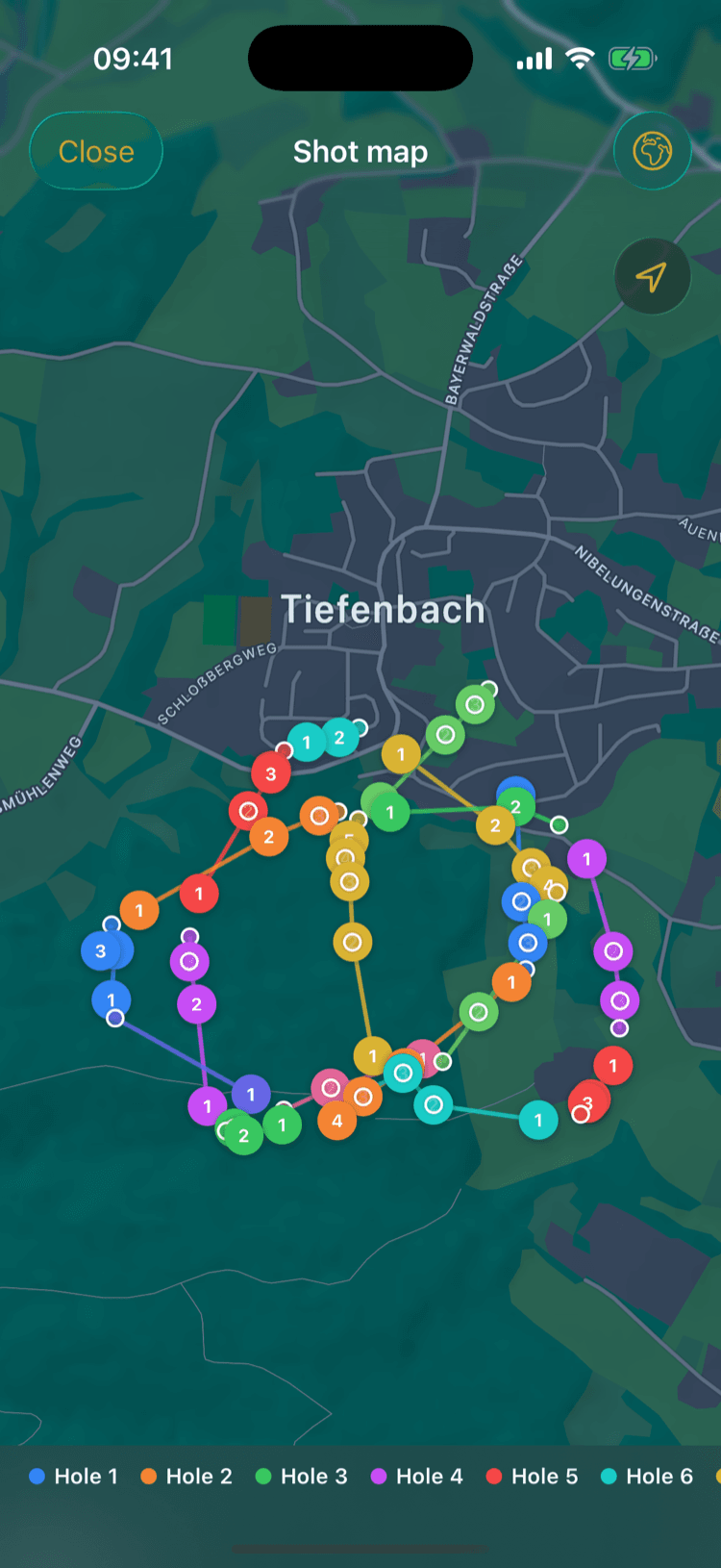
The full card, plus the shot map, putts, fairways hit and the distance you walked.
03 — App
What GolfTrack keeps track of
- 01
Scorecard
Strokes, putts, fairways and greens per hole on the iPhone, strokes on the watch as well. Several players at once.
- 02
WHS handicap
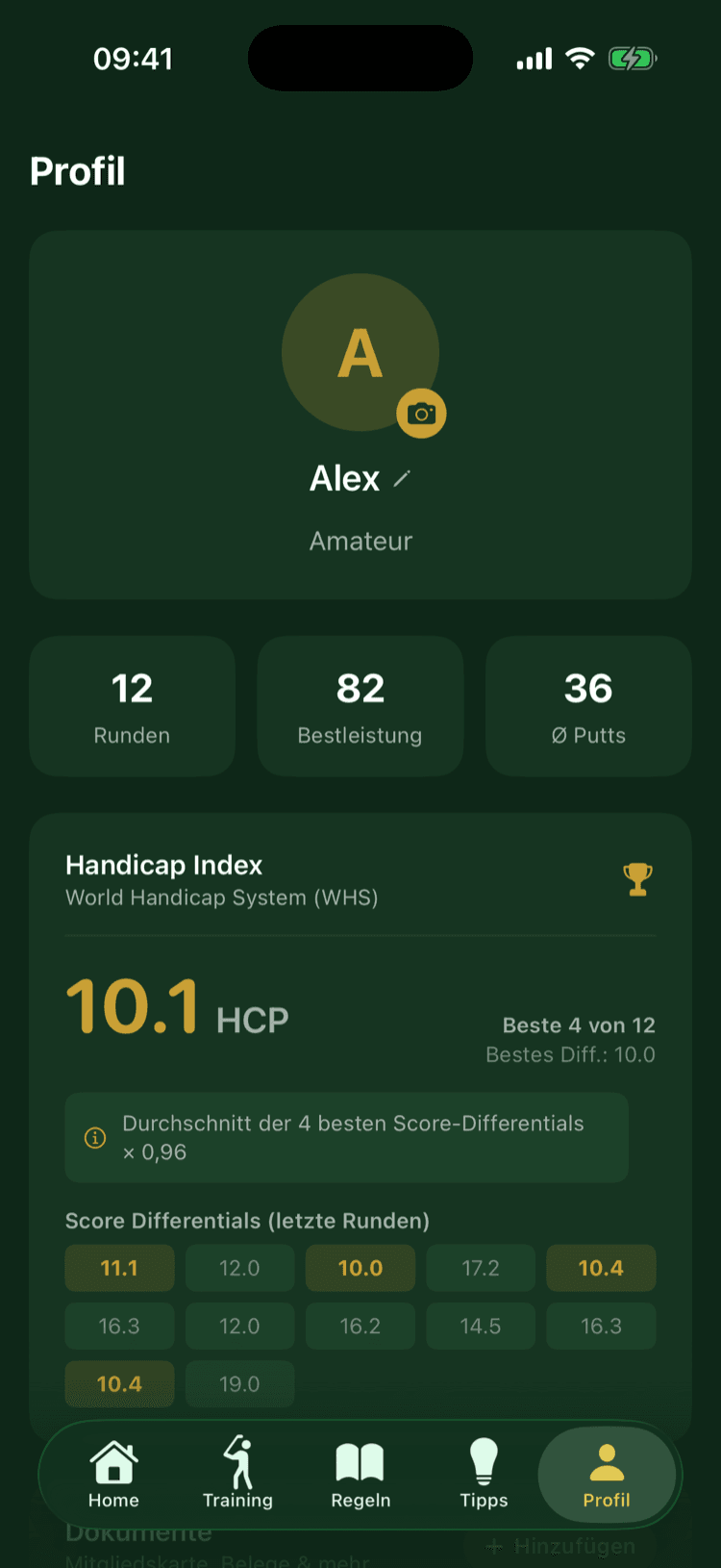
Your handicap is carried forward from your counting rounds, using the course and slope rating of the course you played.
- 03
Walking path & shot map
Your route across the course with every shot placed on it. From that the app works out tees, pins and the shape of each fairway.
- 04
Statistics
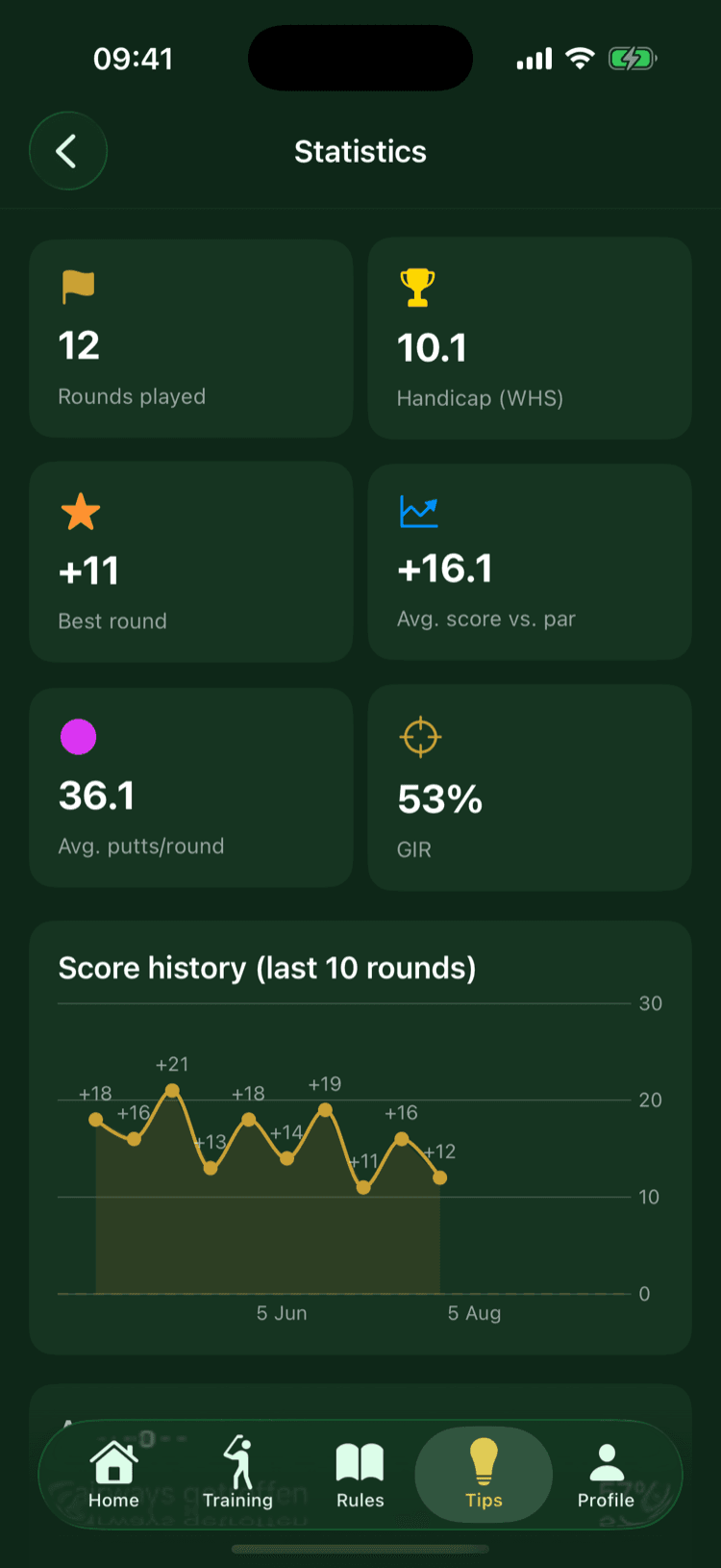
Club distances, fairways hit, putts per round, and how it all moves across the season.
- 05
Minigolf mode
Count lane by lane for the whole group. Scanning the QR code at the venue starts the round with the right number of lanes.
- 06
Weather on site
Wind, chance of rain and temperature for the next few hours, taken for the location of the course.
04 — Apple Watch
On your wrist
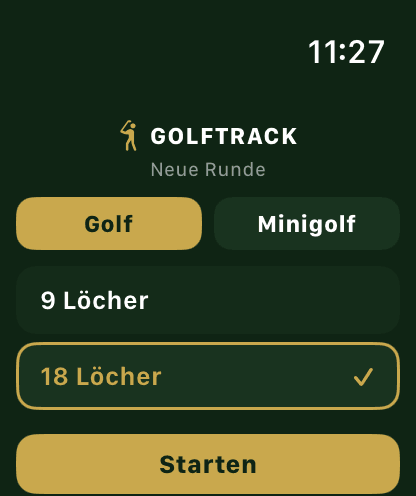
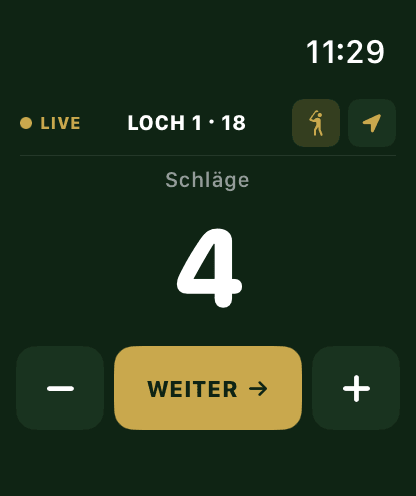
The watch carries the part you need mid-play. Start the round, count strokes, drop a shot point, see the summary after the last hole.
- Golf or minigolf, 9 or 18 holes
- Count strokes with − and +
- Drop a shot point by GPS
- Round summary at the end
Putts, fairways and greens are entered on the iPhone afterwards. The watch app exists in German only.
05 — GPS
Position tracking
GolfTrack can record where you walked during a round and learn from it how the holes are laid out. After a few rounds it shows the distance to the pin, because it has worked out the layout from your own walks.
- Off by default
- Runs only during a round
- Data stays on your iPhone
- Delete it whenever you like
06 — Numbers
Handicap and statistics
After every counting round the app carries your WHS index forward, using the course and slope rating of the course you played. Next to it sit the numbers a season is made of: fairways hit, greens in regulation, putts per round, measured distance per club.
07 — Formats
19 game formats
You choose when setting up the round, the app does the scoring from there. Some names appear more than once because the same format can be scored as stroke play, Stableford or match play.
Singles
- 01Stroke Play
- 02Stableford
- 03Erado®Stroke Play
- 04SkinsStroke Play
- 05Duplicate®Stableford
- 06Matchplay
Pairs
- 01Better BallStroke Play
- 02Better BallStableford
- 03Better BallMatchplay
- 042-Mann ScrambleStroke Play
- 05ScrambleMatchplay
- 06ViererMatchplay
- 07GreensomeMatchplay
Teams
- 01Best BallStroke Play
- 02Best BallStableford
- 03ScrambleStroke Play
- 04Match/NetStroke Play
- 05Duplicate® ScrambleStableford
- 06Irish RumbleBest Ball
Plus nine achievements through Game Center.
08 — Cost
Price and subscriptions
Recording rounds, the scorecard, handicap and statistics are free and need no account with me.
- Training
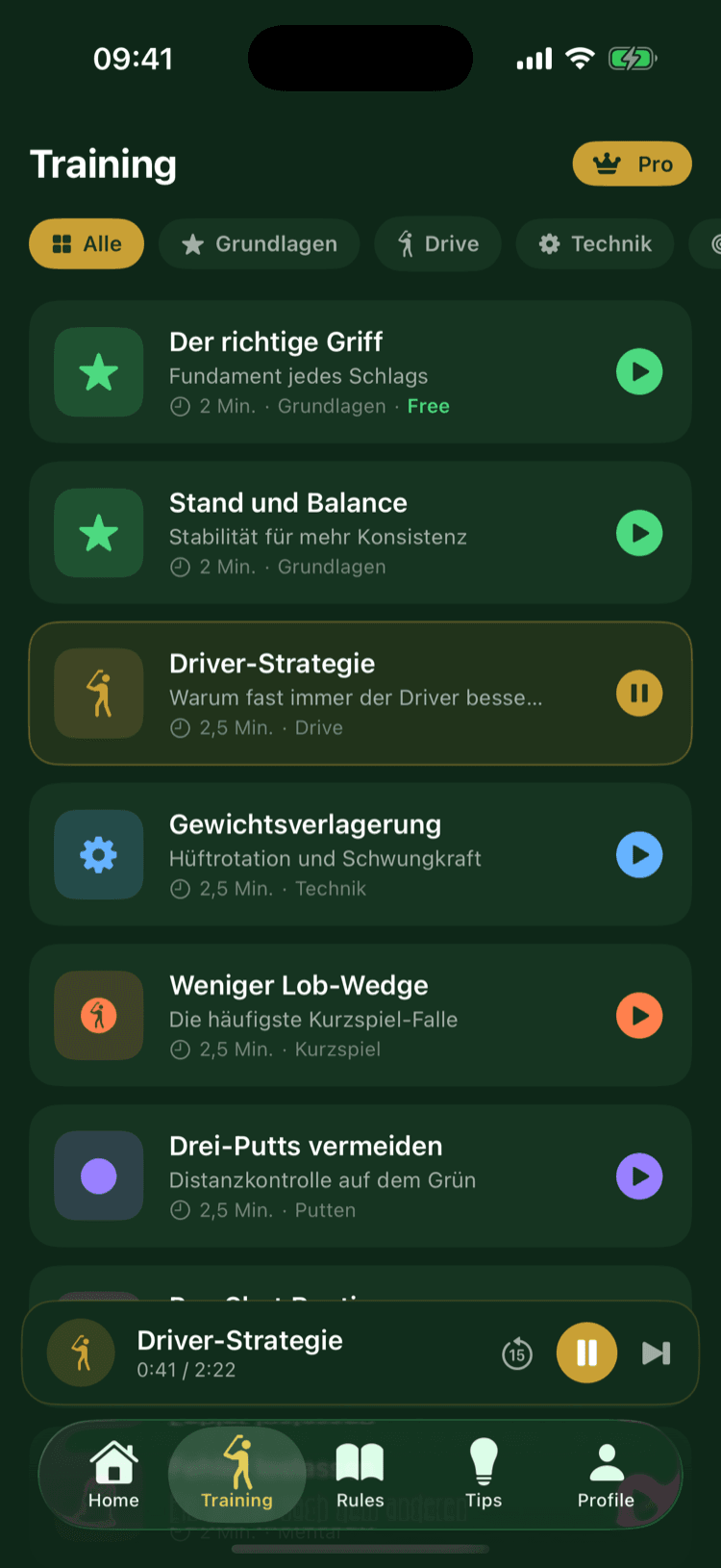
- 17 audio lessons, from the grip to reading a green.
- Caddy
- A voice assistant during the round: club choice, distances, questions about the rules.
- Pro
- Training and Caddy in one subscription, with unlimited Caddy conversations.
All three run monthly and can be cancelled in the App Store, where the price is shown as well.
09 — Venues
For golf clubs and minigolf venues
List your venue once: holes, par, stroke index, lengths, course and slope rating. Once approved it appears in the app, and visitors pick it from the list when they start a round.
- Free
- There is no cost for the venue.
- Reviewed
- Every submission is checked by hand before it goes live.
- Editable
- New lengths or a new rating? A short email is enough.
- QR start for minigolf
- Guests scan the code at the desk and start counting straight away.
Put the next round on record
GolfTrack is a free download on the App Store.
iOS 17.0 and up. The watch app needs watchOS 11.0.